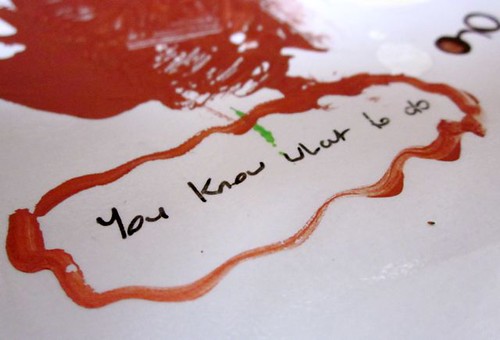
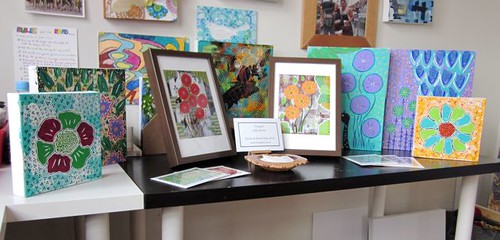
However, Blogtoberfest is just around the corner. So, without further ado may I present to you the 2010 Blogtoberfest button.

It's designed by the very talented and creative Kellie from 74 Lime Lane and I absolutely love it. Thank you so much Kellie. I'm so grateful to the creative peeps who help with Blogtoberfest every year.
To put the button on your blog the first thing you need to do is download the version of the button that you want:
- Go to the Blogtoberfest set in my Flickr account
- Pick the size and style of button that suits you best and click on that image (there's two large and two small versions)
- Click on the actions tab above the photo and select view all sizes
- Download the original size photo and save it to your computer
Ok, now to uploading the button to your blog (these are instructions for blogger, which is all I know):
- Go to the design or layout area of your blog
- Click on the add a gadget tab
- Choose picture and upload the picture from where you saved it on your computer
- In the link section add my blog address http://tinniegirl.blogspot.com so that the button links back to {tinniegirl}
If you happen to be new to {tinniegirl} or Blogtoberfest then pop over to the Blogtoberfest page where you can read all about it. Essentially though, it's simple. All you have to do is post daily to your blog in October and you're playing.
Easy peasy! You're all set to go.
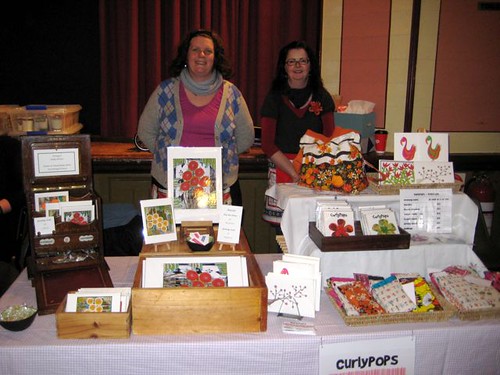
Last item of business for today. Blogtoberfest couldn't happen without CurlyPops. Once again she'll be the queen of the giveaways. To get the scoop on giveaways this year pop over to the special page over at CurlyPops.
I'm not going to say too much today about the whole event. I'll save some special musings for tomorrow. Do pop by and throw your hat in the ring for the first of my weekly Friday giveaways. I've got something extra special planned.
OK, let the fun begin. Are you in?